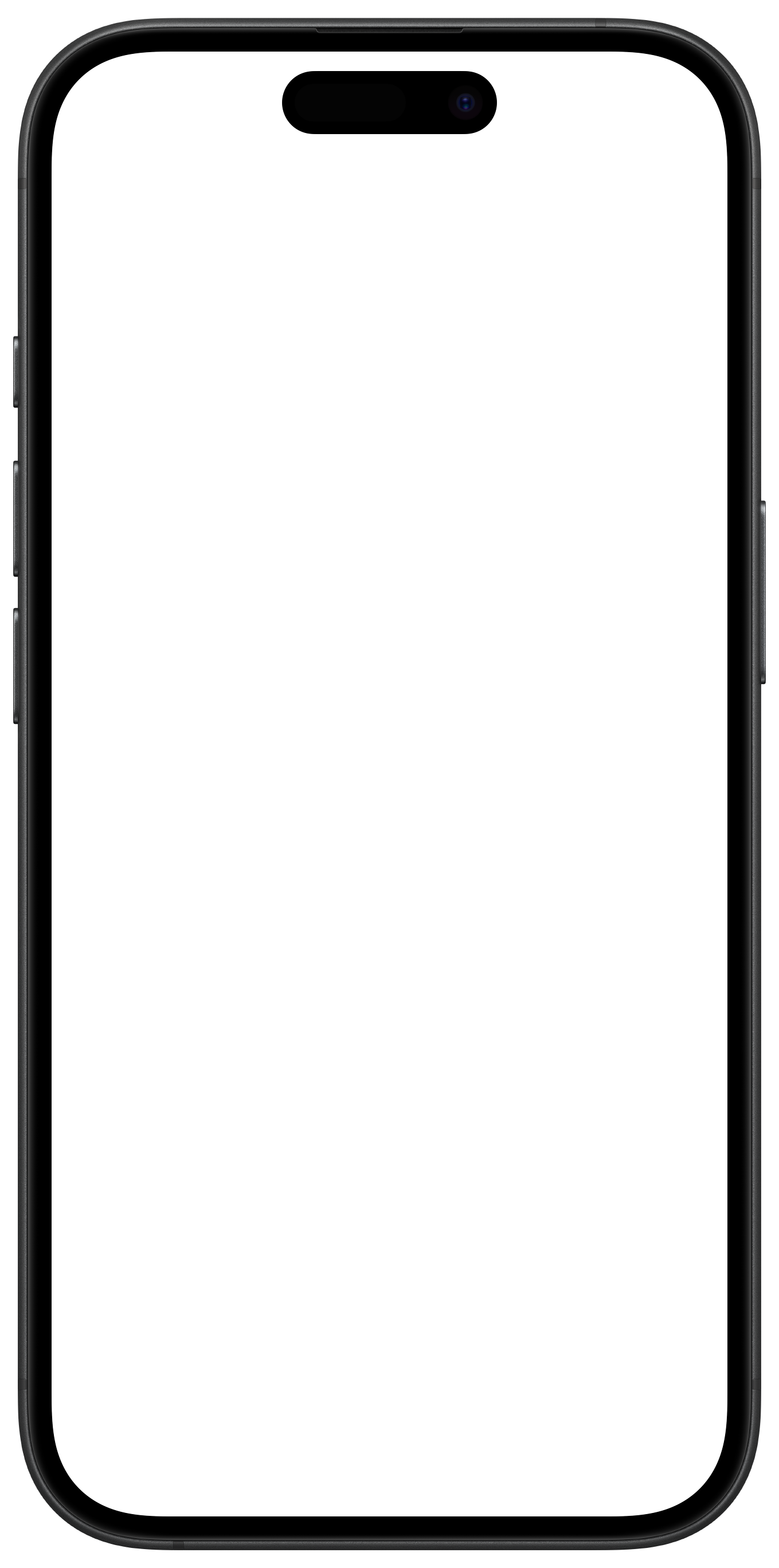
Keepi Cards is now live on the App Store — download free

Birthday Card Organizer: How to Save Birthday Cards Without Keeping Every Box

Birthday cards carry something irreplaceable — handwriting, names, and small notes written just for you. But keeping every card forever means boxes that pile up and messages you never actually revisit.

This guide walks through a practical birthday card organizer system — how to sort, save, and let go of the physical pile without losing what actually matters.

Download on the App Store

Free to download · iPhone only

Quick answer

Save birthday cards by photographing or scanning the front and inside, noting the sender and date, and organizing them in a private digital archive. You keep the handwriting and the memory — without keeping the box. Apps like Keepi Cards make this process take under a minute per card.

Why birthday cards are hard to deal with

If you've been receiving birthday cards for twenty or thirty years, the math adds up fast. Ten cards a year becomes hundreds of cards in a decade. Most people keep them in shoeboxes, drawers, gift bags, or storage bins — and rarely look at them again.

The guilt of throwing them away is real. Someone picked that card, signed it, and thought of you on your birthday. That gesture matters. But keeping a box of paper in a closet isn't the same as actually honoring those messages. Most of the time, the cards sit unseen and unread.

"The goal isn't to keep the paper. It's to keep the moment — the handwriting, the name, the date, and the memory of who sent it."

The good news is that you don't have to choose between keeping everything and throwing everything away. There's a middle path: save what actually matters to you, digitize it, and let go of the rest without guilt.

What's worth saving and what's okay to let go

Worth saving

Cards with a real message

  • Handwritten notes — any card with personal words beyond just a signature
  • Cards from parents, grandparents, or a partner
  • Cards from someone who has since passed away
  • Milestone birthday cards — 18, 21, 30, 40, 50, and on
  • Cards from childhood or teenage years
  • Cards from close friends that mention a specific memory or inside joke
  • The very first birthday card from a new relationship
Okay to let go

Cards with nothing personal

  • Cards with only a signature and no written message
  • Generic printed cards from coworkers or acquaintances
  • Duplicate cards from the same occasion
  • Cards where you can no longer remember who sent them
  • Mass-signed office cards with no individual note
  • Cards from a relationship that has ended and no longer feels meaningful

How to go through a box of birthday cards in one afternoon

You don't need to do this all at once, but if you have a backlog of cards, here's a process that works. Set aside about an hour. Get your phone. Start with one box or drawer at a time.

  1. 1

    Sort into two piles first — don't decide yet

    Go through the cards quickly and separate them into "might keep" and "definitely not." Don't overthink it. The goal at this stage is just to reduce the volume before you make any final decisions.

  2. 2

    Open each "might keep" card and read it

    A card that felt meaningful years ago might not feel that way now. Give each one a genuine read. If it has a personal message that still means something, it's worth saving. If it doesn't move you, let it go.

  3. 3

    Photograph or scan each card you're keeping

    For each keeper, take one photo of the front and one of the inside. Get the full handwritten message in the frame — including any signatures. Good lighting and a steady hand are all you need. No special scanner required.

  4. 4

    Save the sender, occasion, and date

    A photo without context loses meaning over time. Note who sent it, what birthday it was for, and the year. Even an approximate year helps. This is what turns a photo into an actual memory you can find later.

  5. 5

    Organize in an app — not a camera roll

    A camera roll of card photos is just a new version of the shoebox problem. Use a dedicated app like Keepi Cards to keep sender names, occasions, and dates attached to each card. That's what makes the archive actually searchable.

  6. 6

    Recycle the physical cards you've digitized

    Once a card is saved digitally with the full context, the physical card has done its job. You can keep a small selection of physical favorites if you want — but you don't need to keep them all.

The whole process for a box of 50–80 cards usually takes about 45 minutes to an hour. Once you've done it once, keeping up with new cards takes less than a minute each.

Want to keep the handwriting without keeping the clutter?

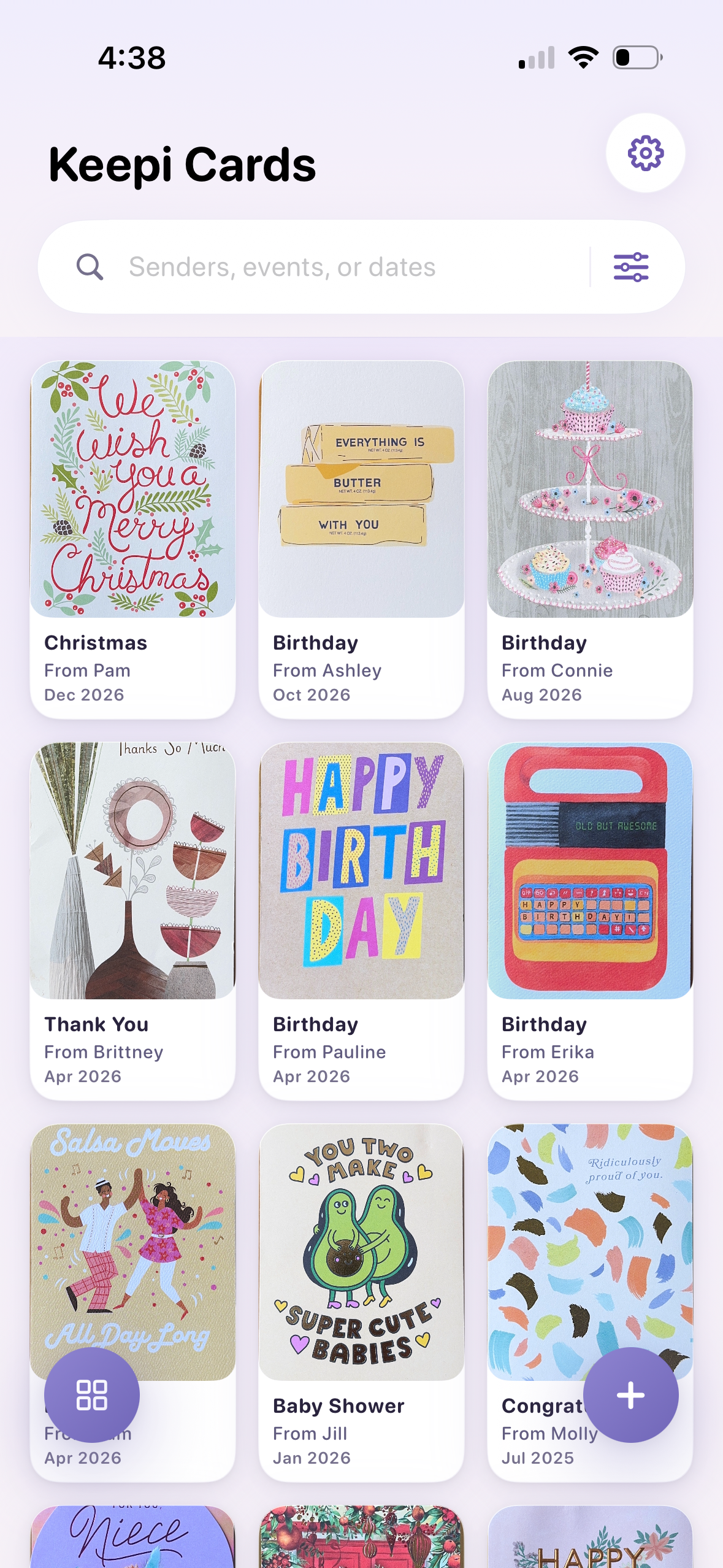
Keepi Cards is an iPhone app built for exactly this. Scan birthday cards, save who sent them, and build a private archive you can search and revisit anytime. Under a minute per card.

Download Free

Free to download · iPhone only

What to do with birthday cards from someone who has passed

These are the hardest cards to deal with. A birthday card written in your mother's handwriting, or a message from a close friend you've lost — the physical card can feel irreplaceable in a way that other cards simply don't.

For these cards, digitizing is not about letting go. It's about protecting something fragile. Physical cards fade, get water damaged, or get lost in a move. A digital archive keeps the handwriting safe in a way a drawer cannot.

"Scanning a card from someone you've lost isn't replacing the original. It's making sure the words they wrote to you are never lost."

Keep the physical card if it matters to you. Frame it if you want. But having it saved digitally — with the sender's name and the year — means it's protected even if the paper deteriorates. That's worth doing for any card that feels truly irreplaceable.

Many people find that going through old birthday cards from someone they've lost becomes a meaningful exercise rather than a painful one. Reading through the messages — even quickly — can feel like revisiting moments that matter. The archive gives you a reason to look back.

What to do with old birthday cards

If you have years of birthday cards sitting in a drawer or box, the pile can feel overwhelming. The good news: you don't have to deal with it all at once, and you don't have to choose between keeping everything and throwing everything away.

The most practical approach is to sort before you decide. Pull out cards from people who matter most to you — parents, a partner, close friends, anyone who has since passed away. Set those aside as your definite-keeps. Everything else can be evaluated card by card, and most of it can probably go.

For the cards you want to keep: digitize them first. Photograph or scan the front and inside, note who sent it and the year, and save it in an organized archive. Once a card is saved digitally, you can recycle the physical copy without guilt — the memory is already protected.

"Going through a decade of old birthday cards often takes less than an afternoon. The hardest part is starting. Once you're in it, most decisions are obvious."

For cards from someone who has passed away, don't rush. These deserve a separate session. The goal is preservation, not decluttering — digitizing those cards protects the handwriting in a way a shoebox never can.

For cards where you no longer remember the sender, or cards with only a printed message and a signature: those are safe to recycle. If there's nothing personal written inside, there's nothing to lose.

If you want a deeper guide on this process, see What to Do With Old Greeting Cards — it covers the full decision framework for cards of all kinds.

Frequently asked questions

No. Focus on cards with handwritten messages, cards from people who matter most to you, and cards tied to milestone birthdays. Cards with only a signature and no personal note are safe to recycle. Digitizing the meaningful ones first makes letting go of the rest much easier.

You can organize birthday cards by sender, year, or occasion. A digital archive — like Keepi Cards on iPhone — lets you search by name or date and find any card in seconds without sorting through a physical pile.

Yes. Especially for cards that have only a printed message with no personal note. If you digitize the meaningful ones first, letting go of the physical card feels much less like losing something — because the memory is already saved.

Keepi Cards is an iPhone app built specifically for saving greeting cards. You scan the front and inside of each card, add the sender's name and date, and build a private searchable archive. It's free to download on the App Store.

Yes. Keepi Cards lets you scan cards directly from your iPhone camera. The whole process — scanning, adding the sender and date — takes under a minute per card. No dedicated scanner needed.

Start saving birthday cards the right way.

Scan the cards you want to keep. Add the sender and date. Build a private archive you can revisit anytime — right from your iPhone.

Download Free on the App Store

Free to download · iPhone only